
APPLIANCE REPAIR TIPS
How to Find the Right Appliance Manual and Read a Parts Diagram
By Alan Appliance Repair · October 12, 2026 · 5-minute read
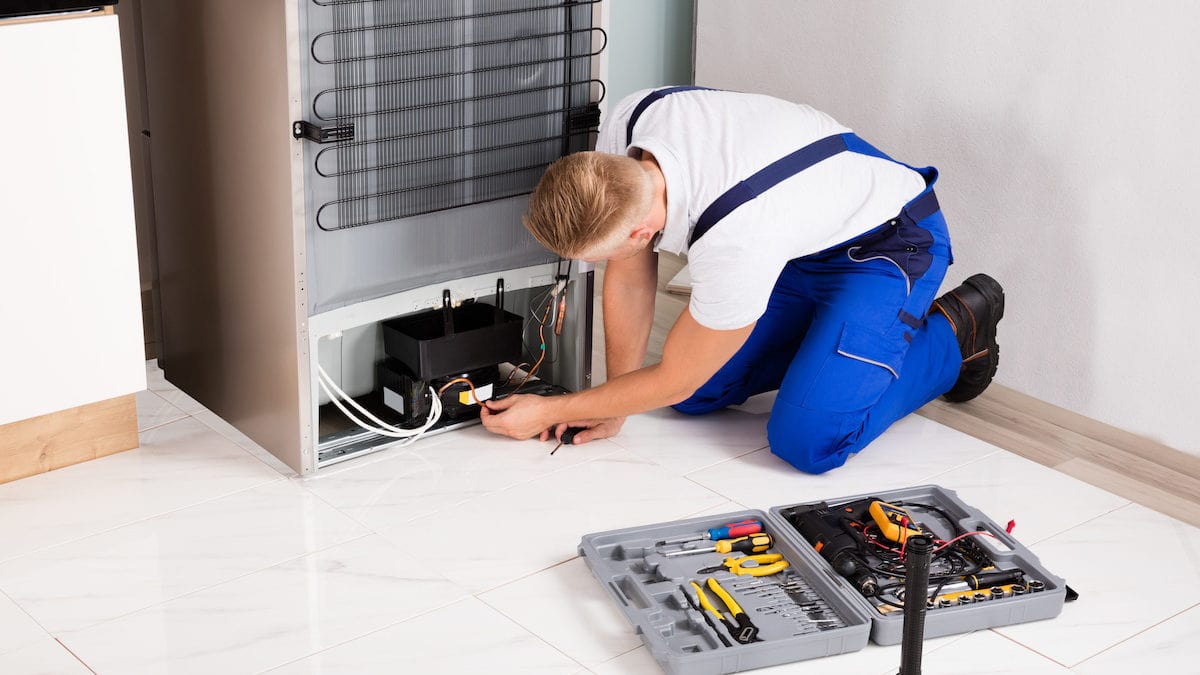
A search for an appliance manual can produce dozens of nearly identical covers. The first result may belong to another generation, fuel type or country. Before following a diagram or ordering a component, match the document to the appliance you actually own. A few minutes of checking can prevent a confusing service request and an incompatible purchase.
This guide explains how homeowners can use documentation to identify controls, describe symptoms and prepare for service. Electrical schematics, gas adjustments and internal repair procedures require appropriate training; locating a document does not make those tasks safe to attempt.
Start with a photograph of the rating label
Copy the complete model number, including letters, suffixes and numbers after a slash. Keep the serial number too. A series name or “36-inch Viking range” describes a family of products rather than one exact appliance. Separate components in the same kitchen may have separate labels and manuals.
Look only in normally accessible locations. Do not pull a built-in refrigerator from its enclosure or detach an oven to search for a sticker. If you cannot find the label safely, photograph the appliance and its controls, and ask for help locating it. Purchase or installation paperwork may also contain a model reference.
Use the manufacturer’s own library
The Viking documentation library provides model-searchable manuals, installation documents and design files, including material for discontinued products. Bosch’s owner-manual lookup uses the appliance’s E-Nr. Enter the actual identifier rather than selecting a familiar-looking photograph.
Compare the document’s listed models and controls with your appliance. Check its region, language and revision. An English-language manual is not necessarily for a US installation. If the model does not appear in the applicability list, treat the document as background until the manufacturer or service provider confirms it is relevant.
Choose the document for the question
- Use-and-care manual: normal controls, loading, cleaning, safety instructions and owner troubleshooting.
- Installation instructions: required clearances, connection arrangements, securing methods and installer responsibilities.
- Specification sheet or CAD drawing: dimensions and planning information; useful when checking a replacement’s fit.
- Parts diagram: the relationship between assemblies and listed components. Applicability and part numbers still need checking.
A drawing showing cabinet dimensions will not explain why an oven stops heating. Likewise, a wiring schematic is not a cleaning guide. Select the document that addresses the problem before looking for a particular illustration. Keep its title and revision with any page you reference.
Read the illustration and its labels together
First identify the orientation: are you looking from the front, rear, top or inside the door? An exploded drawing separates pieces so their relationship is visible; it does not mean they can all be reached without disassembly. Trace a numbered callout to its description instead of judging a component only by its shape.
For an example of an owner-oriented illustration, the Viking built-in electric oven manual, printed page 5, labels oven features and control locations for the models listed on its cover. It is an example, not a universal Viking diagram. If your PDF viewer ignores the page link, search within the file for “Built-In Electric Oven Features.”
A callout number is not necessarily a part number
The number beside an arrow may only identify a row in a parts list. A replacement can depend on model revision, serial range, finish or the components supplied as an assembly. Do not buy a part just because its diagram position resembles the area making noise.
For Viking parts information, the manufacturer links to the Middleby Residential parts resource. Confirm compatibility and any updated part reference before ordering. A diagram can help name a suspected area; testing establishes whether that area is actually responsible for the symptom.
Turn a diagram into a useful service note
A helpful note might say: “The upper rack shown in the loading illustration no longer slides normally; the lower rack moves freely.” Another could say: “The control display works, but Bake does not warm the cavity.” These describe observations without claiming a specific motor, board or element has failed.
Send the full model, the document title, the printed page number and a photograph of the actual symptom. Mention any earlier repair or recent installation work. Use a screenshot to identify the illustration, but keep the source link available so the technician can check the surrounding instructions and warnings.
Know when to stop reading and request help
If a procedure requires removing protective panels, probing live circuits, moving a heavy secured appliance or changing gas components, stop at gathering information. Never bypass a door lock or safety switch because an online drawing shows where it sits. Repeated breaker trips, gas odor, sparking or an active leak require an appropriate safety response.
Our Viking service guide and repair-guide directory connect symptoms with relevant service information. Contact Alan Appliance Repair with the model and your observations, or call (224) 347-6861. Requests are accepted 24/7. Technician visits are by appointment and subject to availability; overnight visits are not guaranteed.
